











The Easywin app is the mobile option for players in Nigeria who prefer betting from an Android phone instead of opening the website in a browser each time. It brings account access, the sportsbook, casino games, bet slips, and match updates into one compact interface designed for regular mobile use.
What Is the Easywin App
Easywin is a Nigerian betting platform that offers a dedicated mobile app for Android users. Rather than opening a browser tab every time you want to check odds or place a bet, the app keeps everything in one place: your account, your active bets, the sportsbook, and the casino. It can feel faster than a mobile browser, supports push notifications for match updates, and may keep your session active between visits so you are not re-entering credentials each time.
The app is aimed at everyday mobile betting in Nigeria, where connection quality and phone storage can vary from one user to another. If you have been using the desktop site, the app covers the familiar core features and adds a few phone-friendly touches, such as quicker access to the bet slip, shorter paths to live markets, and a layout that fits smaller screens.
Downloading the Easywin App on Android
The Easywin app is distributed as an APK file from the official website at easywinsng.com. On this page, use the download button and wait for your browser to confirm the file. Depending on your browser settings, the APK will usually be saved in the Downloads folder or shown in the notification tray once the download finishes.
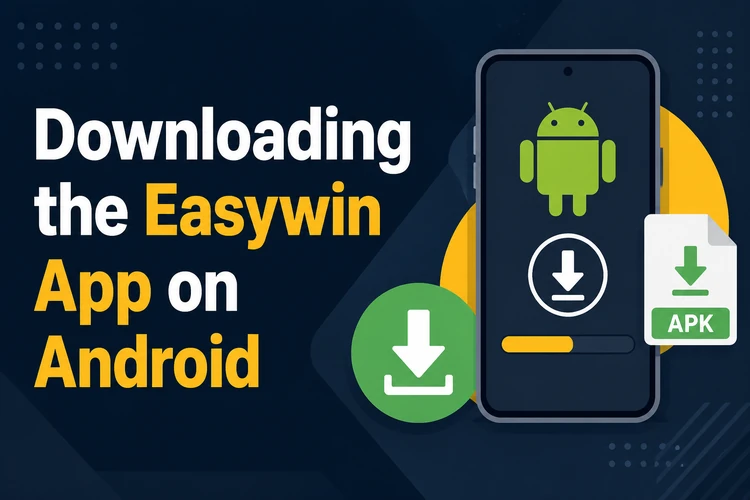
Before installing, check that your phone runs Android 6.0 or above and has enough free storage for the APK and future updates. Most mid-range Android phones sold in Nigeria in recent years should meet the basic requirement. Download the file directly from easywinsng.com rather than from APK mirrors, because third-party files may be outdated or modified.
How to Install the APK
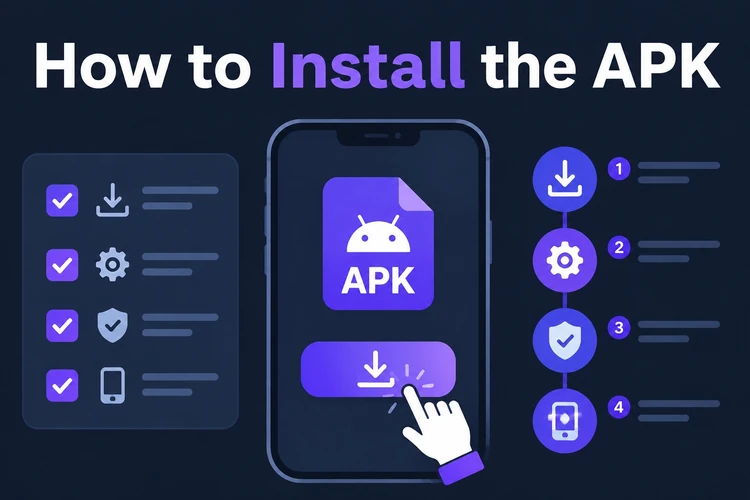
Android blocks installation of apps from outside the Play Store by default, so you need to allow the installer once before the Easywin APK can run. The wording can differ by phone brand, but the process is usually found under Security, Privacy, or Apps in your settings.
If your phone shows a warning before installation, read it carefully and confirm only when the file came from the official site. After the app is installed, you can switch the permission back off for your browser or file manager.
- Step 1: Open your phone's Settings, go to Security or Privacy, and enable Install unknown apps for your browser or file manager.
- Step 2: Navigate to your Downloads folder and tap the Easywin APK file.
- Step 3: Review the permissions prompt and tap Install. The process usually takes only a short time.
- Step 4: Once installed, tap Open or find the Easywin icon on your home screen and log in to your account.
Updates follow the same general process: download the newer APK from the official page and install it over the existing version. Your account is stored on the platform, so installing an update should not remove your balance, login details, or bet history.
Easywin Lite
Easywin Lite is a stripped-down version of the app aimed at older or lower-spec Android devices, including phones with limited RAM, smaller screens, or slower processors. It reduces heavier visual elements, cuts background data use, and starts up faster on entry-level handsets. If your device has less than 1 GB of RAM or the full app feels slow, the Lite build is worth trying.
The main betting tools remain available in the Lite version: you can browse the sportsbook, place pre-match and live bets, check your bet slip, and manage account actions. What you may lose are some richer graphics in the casino section and certain animated elements in crash games. For users focused mainly on football betting over a stable connection, the difference is often small.
Logging In After Installation
Open the app and enter your registered phone number or email address along with your password. If you already have an account on the Easywin website, the same credentials work in the app; there is no separate mobile account. The app may store your session, so you normally need to log in again only after signing out, changing devices, or leaving the account inactive for a while.
If you forget your password, tap the login-screen link that reads something like "Forgot password?" and follow the SMS or email verification steps. For account security, avoid saving your password on a shared device and use any extra verification option the platform offers. If you do not yet have an account, you can create one and log in from the same screen.
Betting and Games Available in the App
The sportsbook covers a wide range of markets, with football getting the deepest coverage. Nigerian Professional Football League fixtures sit alongside Premier League, La Liga, Champions League, and other competitions. A match page may include markets for match result, both teams to score, over or under goals, correct score, and first goalscorer. Odds update as events change, and the live betting section lets you place wagers while a game is in progress.
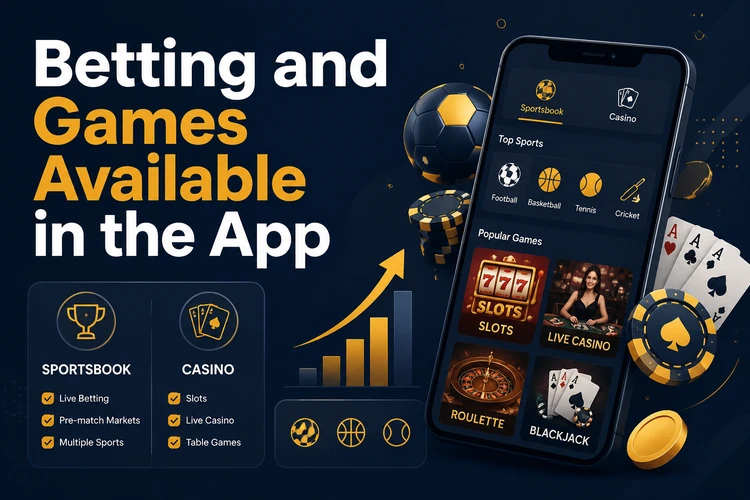
Beyond football, you may find basketball, tennis, and other sports depending on the season. The casino section includes slots, table games, and live dealer rooms. Aviator is one of the more recognisable crash games, while virtual sports can be useful when there are no live fixtures you want to follow. Check the promotions page to see whether any current offer applies to app users specifically, and always read the terms before opting in.
FAQ
Yes, the APK is free to download from easywinsng.com. Downloading over mobile data will still use part of your data bundle, so Wi-Fi is useful if your connection is limited.
The dedicated app is intended for Android. iPhone users can access the platform through the mobile browser at easywinsng.com, which is designed to work on smaller screens without installing an APK.
Android 6.0 or higher is the basic requirement. If your phone is older, check the system version in Settings before downloading the APK.
Check the app page for a newer APK, download it, and install it over your existing version. Your account and bet history are tied to your login, not to the APK file itself.
Yes. The live betting section works in the app, with in-play odds updates and bet slip submission while a match is underway. A stable connection helps during busy fixtures.
First, confirm that your Android version meets the minimum requirement. If the full version remains unstable, try Easywin Lite or clear the app cache in your phone settings. If the issue continues, use the <a href='/contact'>contact page</a> for support.